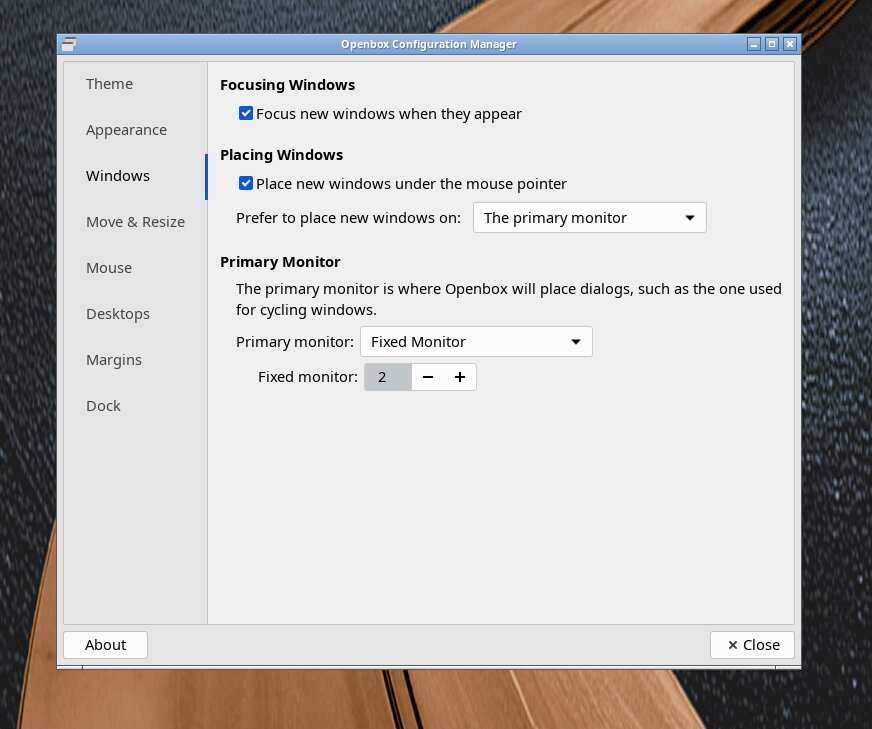
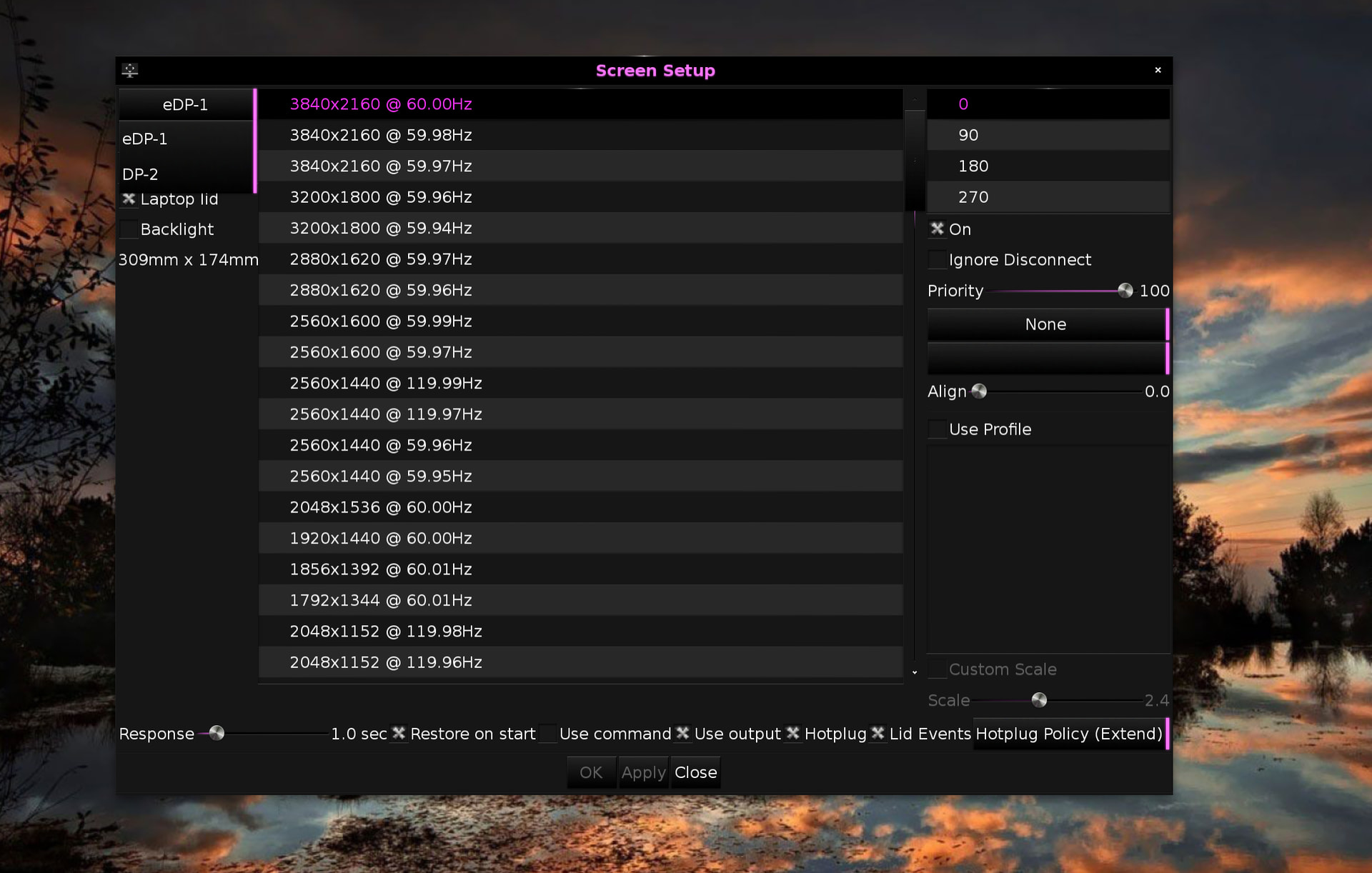
I don't know if this is the way it should be, but I don't think so!
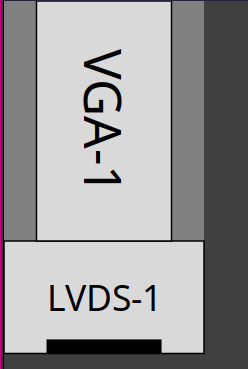
First, let me explain that I have a dual monitor setup that I like, with a 22" Dell monitor rotated left above my 17" Samsung laptop monitor. The laptop monitor is and should be designated as the primary monitor. I use the Dell monitor for reading, generally not manipulating or entering stuff like this post. It gets used for my email window, my comics aggregator window, news feed windows, etc. It looks like this:
Now, on with the issue.... So many windows in Elive open in places I wasn't expecting or don't want them to. When I was fiddling with Cairo-dock, its settings or plugins options window would open at the very top of the upper monitor, and with a dark theme, I didn't even notice it early on. Many Enlightenment/Elive menu selections open in the upper monitor, probably in the "center" as defined by the X-Y dimensions X from the laptop monitor width and Y from the combination of the monitor heights. SOME windows would open at the top left, which turned out to be REALLY annoying, as if the window was small enough, it would be in non-visible space outside of the upper monitor. I could go on (usually do!  )....
Other distros I use have mechanisms to deal with window placement. Openbox will let you identify the monitor a window should open on; if I choose the "primary" monitor, and a window is supposed to open in the center, it opens in the center of the primary monitor. In Elive, its "center" placement is somewhere in the lower part of my upper monitor.
I've poked around in the Enlightenment Settings menu (which I despise, as the window jumps all around as you click a category to fiddle with), and the only thing that I see that could possibly remedy this is the "Placement" category, but it offers nothing that helps.
It shouldn't be that difficult to figure out to put a new window at the "top" or "center" of this combination -- the numbers are all available:
~ >>> xrandr | grep \ connected
LVDS-1 connected primary 1600x900+0+1920 (normal left inverted right x axis y axis) 382mm x 215mm
VGA-1 connected 1080x1920+260+0 left (normal left inverted right x axis y axis) 477mm x 268mm
The primary monitor and its dimensions is identified. The X offset for the top monitor is there (260), as is its height (1920) and Y offset (900). The math is doable even for a stupid yad window which doesn't let you select the monitor, you have to use its --geometry setting. Here's one that puts a 750x665 window in the center of my lower monitor:
--geometry=750x665+425+2038
So this can be done in scripts that invoke yad for different sized yad windows. However, that doesn't help with things like the Cairo-dock tweakers and Elive/Enlightenment menu initiated windows. Is this an Enlightenment bug, then?