I bought a Lenovo DVD writer old stock a few months ago. I haven’t been able to get it to work.
The green light on the player comes on and it shows up as HL-DT;ST DVDSRAM GT 50 N. However it will not mount. In terminal I typed in various enquiries.I typed sudo apt install cdrom and got the message unable to locate package cdrom. So I typed dmesg grep cdrom. the message was cdrom : Uniform CDROM driver revision : 3.20
I’m now beyond my skill level and need help. Im not sure if its the driver or maybe the cd writer isnt working correctly. If its the driver where can I find it.
Actually the rom-player doesn't mount when connected, it should only show itself as: Attached scsi CD-ROM sr0 in the output of 'dmesg'.
For the extra touch you can give the command eject cdrom
in a terminal and your cd-tray should open. ...... after which you can insert a CD or DVD and that data should be readable'. Mind you, many older external drives often require more power than a single USB-port can deliver. So, at the least connect it to the port closest to your power-source and have the laptop powered by the adapter.
When 'writing' media you will always require a second power source. Tip: use an older phone charger for that.
Just dug up an ancient DVD/CDROM-drive (the plastic coating had gone all gooey and sticky ) and tried that and ......... it refuses to show with (dmesg output):
[253190.253607] sr 0:0:0:0: [sr0] scsi3-mmc drive: 24x/24x writer cd/rw xa/form2 cdda tray
[253190.417022] sr 0:0:0:0: Attached scsi CD-ROM sr0
[253190.417224] sr 0:0:0:0: Attached scsi generic sg0 type 5
[253303.738863] /dev/sr0: Can't open blockdev
[253385.028880] sr 0:0:0:0: [sr0] tag#0 FAILED Result: hostbyte=DID_OK driverbyte=DRIVER_OK cmd_age=7s
[253385.028885] sr 0:0:0:0: [sr0] tag#0 Sense Key : Medium Error [current]
[253385.028886] sr 0:0:0:0: [sr0] tag#0 Add. Sense: Unrecovered read error
[253385.028888] sr 0:0:0:0: [sr0] tag#0 CDB: Read(10) 28 00 00 00 00 10 00 00 02 00
[253385.028888] blk_print_req_error: 121 callbacks suppressed
[253385.028890] critical medium error, dev sr0, sector 64 op 0x0:(READ) flags 0x80700 phys_seg 1 prio class 2
[253395.363924] sr 0:0:0:0: [sr0] tag#0 FAILED Result: hostbyte=DID_OK driverbyte=DRIVER_OK cmd_age=7s
[253395.363929] sr 0:0:0:0: [sr0] tag#0 Sense Key : Medium Error [current]
[253395.363930] sr 0:0:0:0: [sr0] tag#0 Add. Sense: Unrecovered read error
[253395.363932] sr 0:0:0:0: [sr0] tag#0 CDB: Read(10) 28 00 00 00 00 12 00 00 0e 00
[253395.363933] critical medium error, dev sr0, sector 72 op 0x0:(READ) flags 0x80700 phys_seg 7 prio class 2
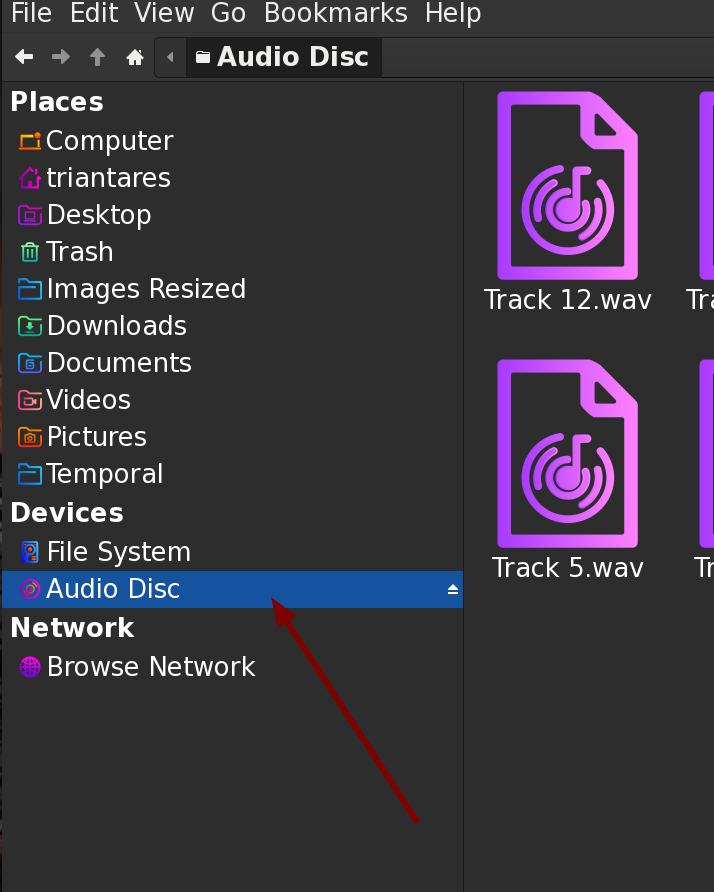
After connecting a second 5V power source to the player it does automatically read audio-CDs and Video-DVDs which show up in the side pane of the file-manager and clicking on it opens it's content.
You can actually hear it reading the disk. If it goes al "clickety" and keeps revving up and down then the CD/DVD itself is damaged.
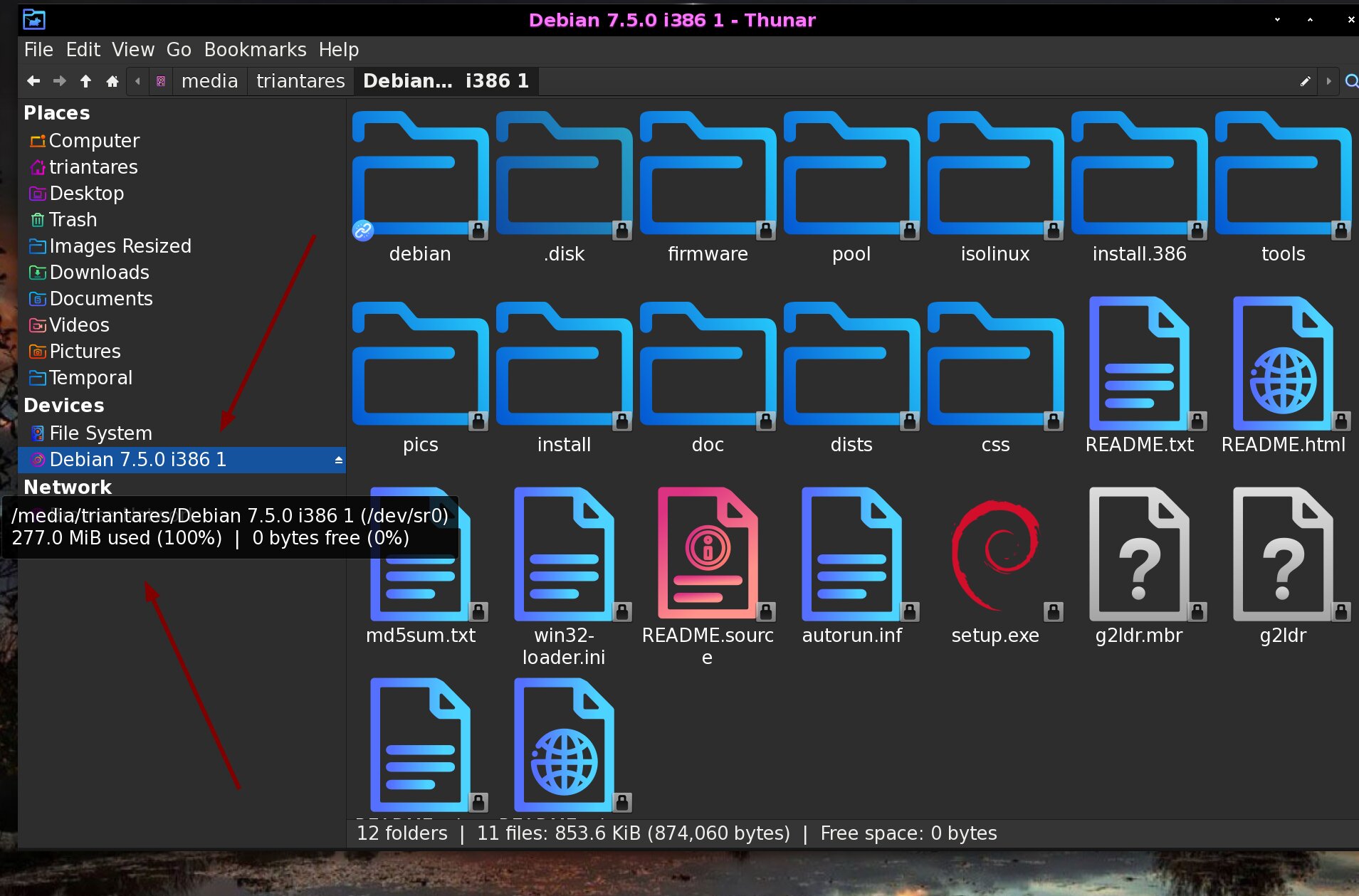
And a data CD (took me a while to find a good one, this one's history. ) will show it's name or size and if ... you 'hover' over it, it should show its mount-point and more.
Thanks for the help. I bought the dvd writer as new old stock. After trying your suggested solution it was pretty obvious the player is faulty. I tried on on my wife's machine which is windows 11. It did exactly the same thing. I shall take it to pieces tomorrow. It maybe a simple repair.
On a completely different subject. I am using audacity, great program. I want to install the Ai module (plug in) to separate music into different tracks. Its quite complicated and I may struggle to do it without a bit of guidance. However I shall have a go tomorrow and see how I get on.
 ...... after which you can insert a CD or DVD and that data should be readable'.