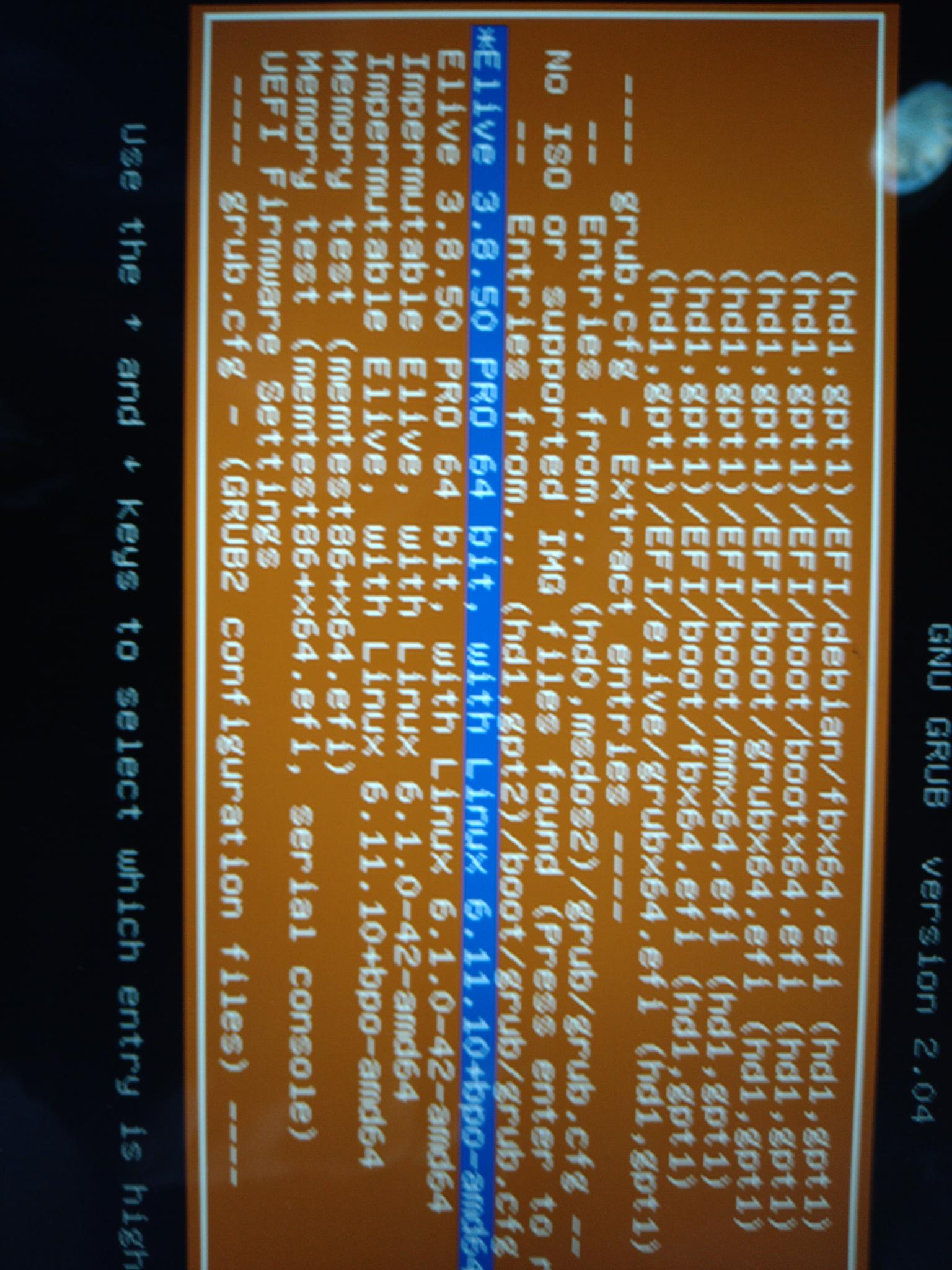
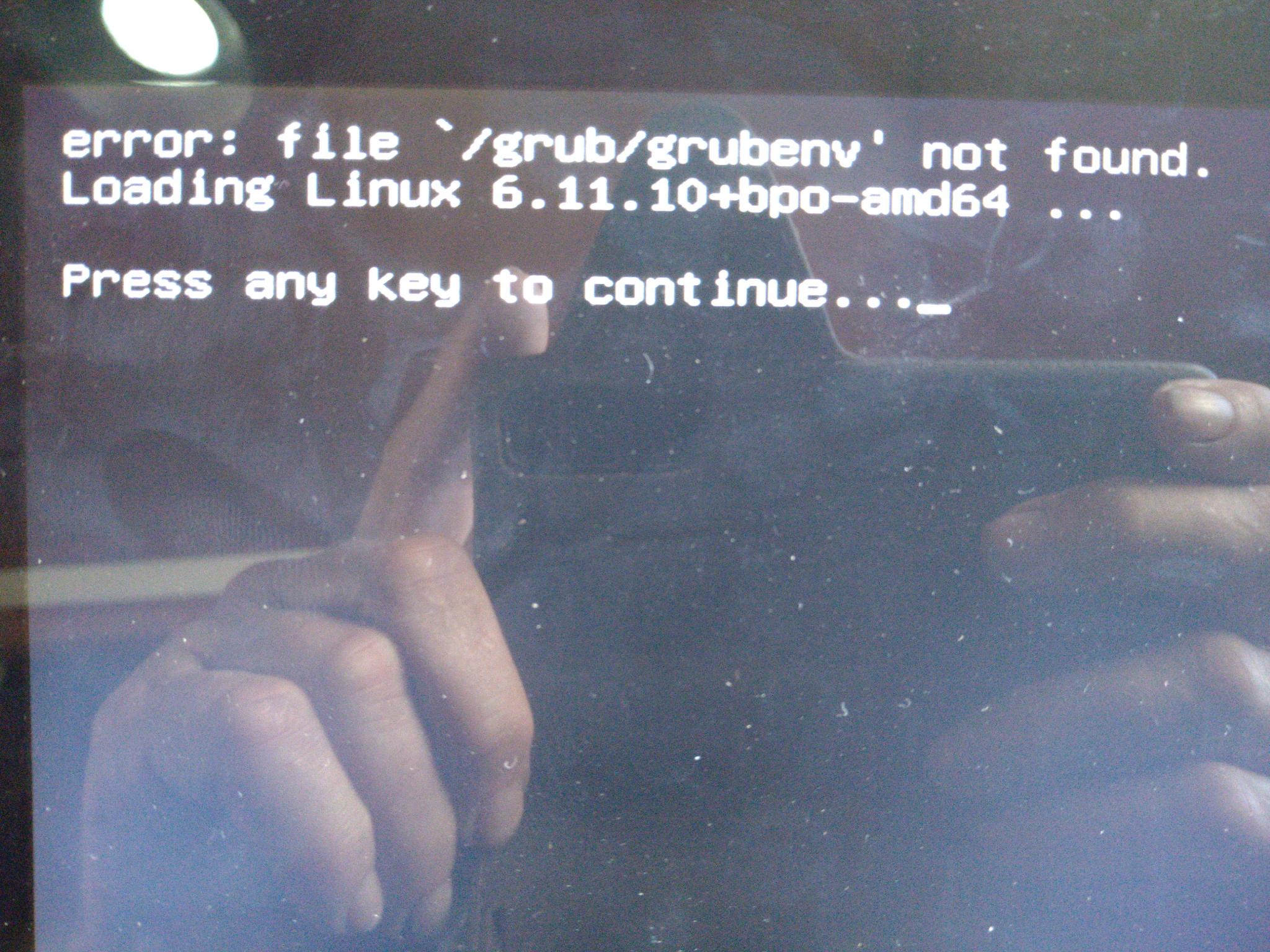
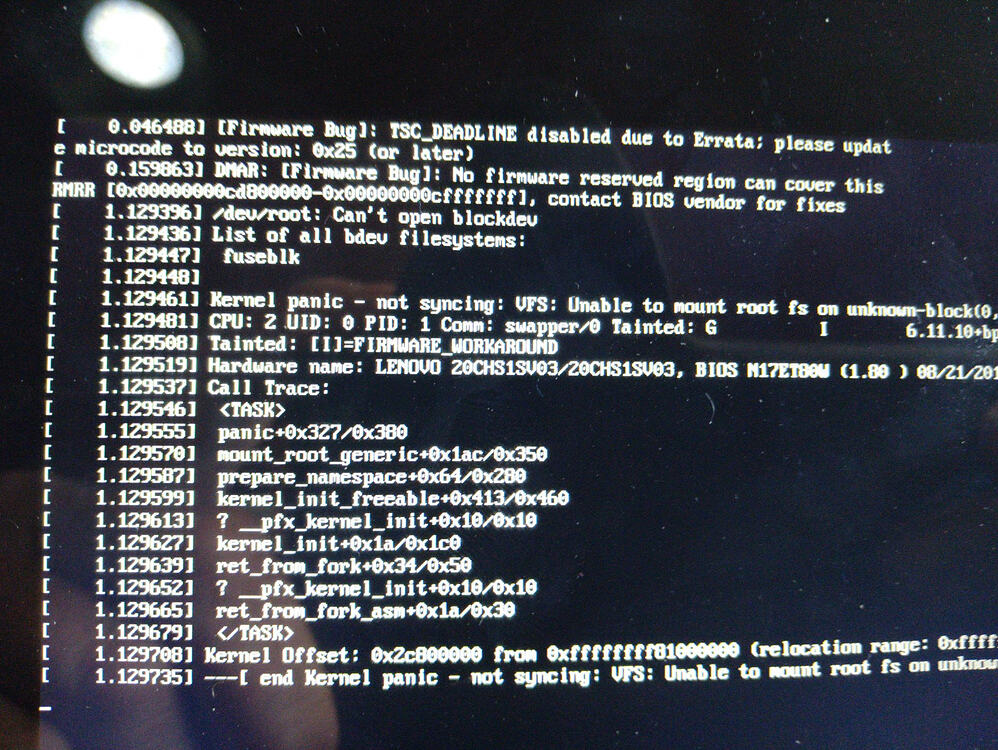
Kernel panics at boot... omg why ? im the only one to not have that ? lol
btw i assume you meant "converting 3.8.50 to trixie" (inverse)
Kernel panics at boot... omg why ? im the only one to not have that ? lol
btw i assume you meant "converting 3.8.50 to trixie" (inverse)
I don't see any report received from the installer from you, make sure your setting file is correctly set:
~ ❯❯❯ cat /etc/elive/settings
conf_send_debug_reports="yes"
conf_send_debug_reports_email="thana.... @gmail.com"
~ ❯❯❯
that was always from a running Elive Live install disk. Not from the installed OS.
Once just shortly ago and yesterday twice.
conf_send_debug_reports="yes"
conf_send_debug_reports_email="triantares@proton.me"
Ok two things:
In fact, this is exactly what happened... I see in the logs that it has been trashed because is old (older iso than actual one)
I may try to install bodhi and then elive, in the meantimes between tasks
Note: im working to improve the upgrader root, and to send reports automatically so it will be easier to analize them, especially because is a very delicate and important tool that needs to work without issues
Bonjour tout le monde.
J’ai réussi la mise a jour sur mon portable i7, cette fois aucunes erreures. Au reboot, j’ai installé le kernel 7.x . Tout fonctionne.
Ma 1ere clef usb était peu être déffectueuse.
Merci.
Yeah, you're right. I only had eyes for the version number (it's on a Ventoy disk) and expect the installer to be downloaded.
On a side note: Debian net-install is a very smooth experience, maybe something to think about for the Pro version?
Note this was Bodhi 7.0.
No, this is an old debate, the installer of elive cannot be changed, there's too much things made -for- elive, elive depends entirely on its own installer, and those installers of other distros does things in totally different ways, the only thing possible is to improve the elive installer as much as possible, maybe a better gui too (based in EFL) since zenity became so ugly lol - yes, elive wants its own zenity
omg... being a bit saturated of tasks here
Well 'yad' is still the same and IMO superior to 'zenity'.
Then wait out until I try on another machine this weekend. This particular machine (thinkpad Helix 2 tablet) has always been a nuisance to install.
Where exactly do I find the logs?
Today I did a new try with 3.8.52 and in the near end of the upgrade I saw an syntax failure containing isthanastest.
I got a kernel panic again, but with installed nvidia.
Give me a second, the elive-upgrader is now broken on my side (i cannot see any messages on the console while upgrading and its killed with OOM), trying to fix this first...
do not use the upgrader ATM
For later, the logs will be in /var/log/elive-upgrader , im trying to implement to automatically report / send them to the elive server, just like the installer  that will be more easy and fast to fix bugs
the kernel panic is strange, I don't know why it happens... maybe the initramfs is wrong, but is good to know that nvidia seems to be installed now , maybe with kernel 7 ? anyways give me some minutes that I try to fix elive-upgrader here....
update: the upgrader tool is more or less working back, but i will do more tests tomorrow
can you chroot the partition to see if there's microcode packages installed ? I have them in my machine but maybe for some reason they were not installed on your side/s*
Yeah, I also thought of doing that .... so I kept the machine "as is".
Then again, I could redo the whole shebang ..... i.e install Debian 13 and convert to Elive again, only this time with 3.8.52 iso and see what happens.
Only I've got a plethora of work coming my way this weekend and first half of coming week ..... so have to set some priorities. 
Ultimately, the original plan was to test the openrc version ...... but never even got to that part. 
If I can indeed 'chroot' into there I can do a similar logging of inxi, lsmod and dpkg -l, as I did on Debian.
Just need to find some time.
I sent you an email with the logs.
I dont quite understand this point... so your goal there is basically have an usable system, right ? but why install debian 13 and then convert it to elive bookworm ? (why not install directly from the elive iso?)
that's much more easy now with the actual tools (you can switch betwen them), but you require elive trixie
wait wait, elive-upgrader is not working yet but almost... let me finish to fix it
No no. These are from the Upgrade yesterday, before the Upgrade broke.
No, I already have that, this is a testing machine.
My goal was to see if we could get this Broadwell soundcard to work with Trixie-based Elive.
You may have missed that Debian-Trixie had it working with a 6.12.101 kernel and Ubuntu with a 7.0 kernel.
RECAP
To do so, I tried to convert Debian-Trixie to Elive 3.8.50 and hope the drivers and configuration would be carried along but ........ alas, the conversion refuses to boot (see above) and I ran out of time.
The failed install will be kept for further checking (chroot) but not on short notice.
If you want to, you can read th Trixie specs on that machine:
https://triantares.ddns.net/Elive/uploads/Trixie_sound_card.txt
nope, the full system is replaced, except your users and files (mostly)
just install a normal .52 version, upgrade it to trixie (let me finish make it working first, i have almost it) and we will check how ot make the audio card working
important: keep a backup of that debian system with working audio, we need to see things like its installed packages, etc
try installing the packages i told you before