See the link. it's all there:
https://triantares.ddns.net/Elive/uploads/Trixie_sound_card.txt
Yeah, they are on Debian, so might make things work. 
Would that include all the firmware in /boot/efi ???
See the link. it's all there:
https://triantares.ddns.net/Elive/uploads/Trixie_sound_card.txt
Yeah, they are on Debian, so might make things work.
Would that include all the firmware in /boot/efi ???
right, let's keep it for now
yes, since is a debian it should wokr on elive too (elive is only a cusotmized debian, but a debian, unlike ubuntu is a fork)
mmh no, only the OS, efi is a partition on its own with information about the boot systems (probably the previous one is left orphaned here, so it doenst has an uninstall system)
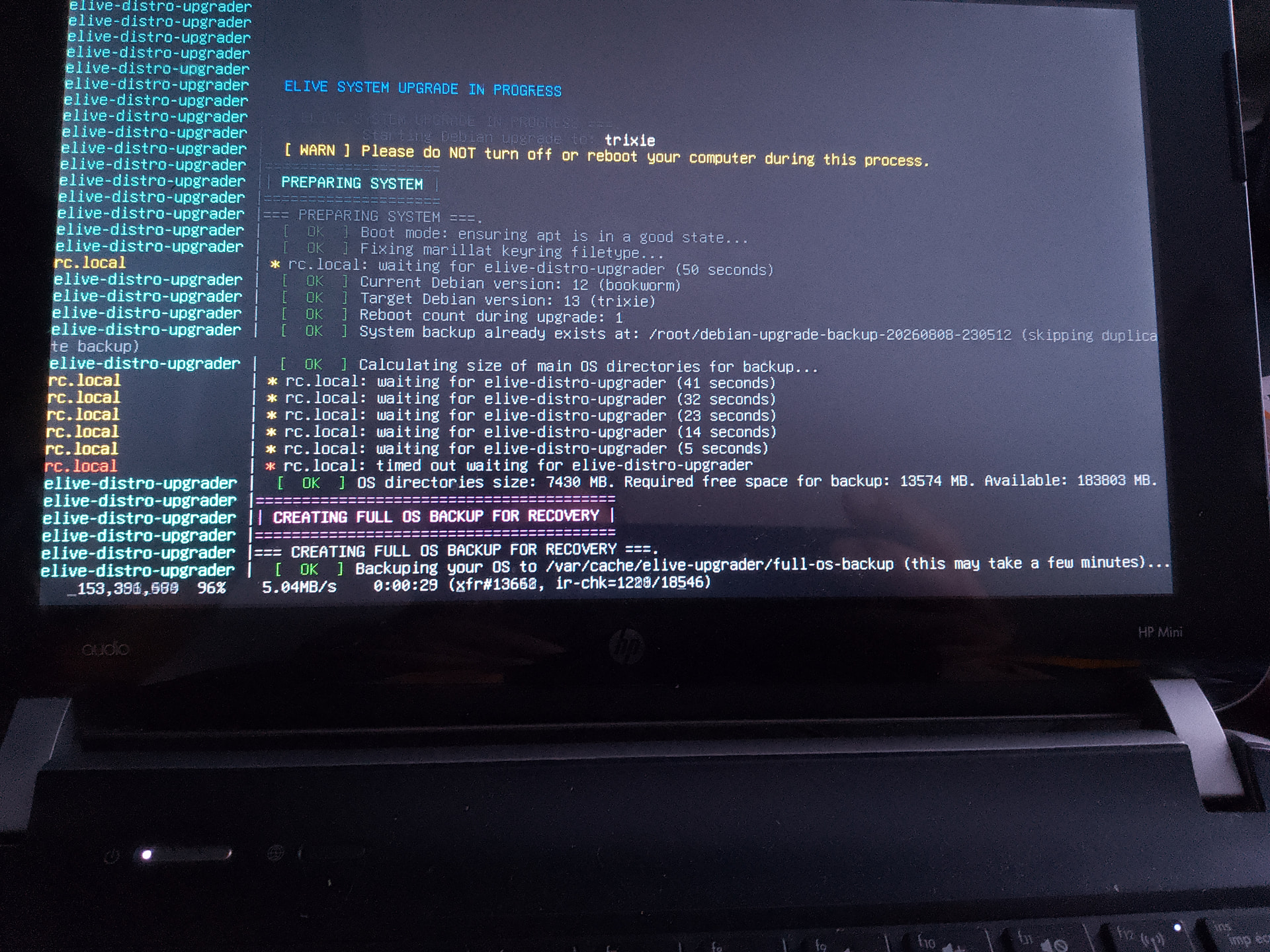
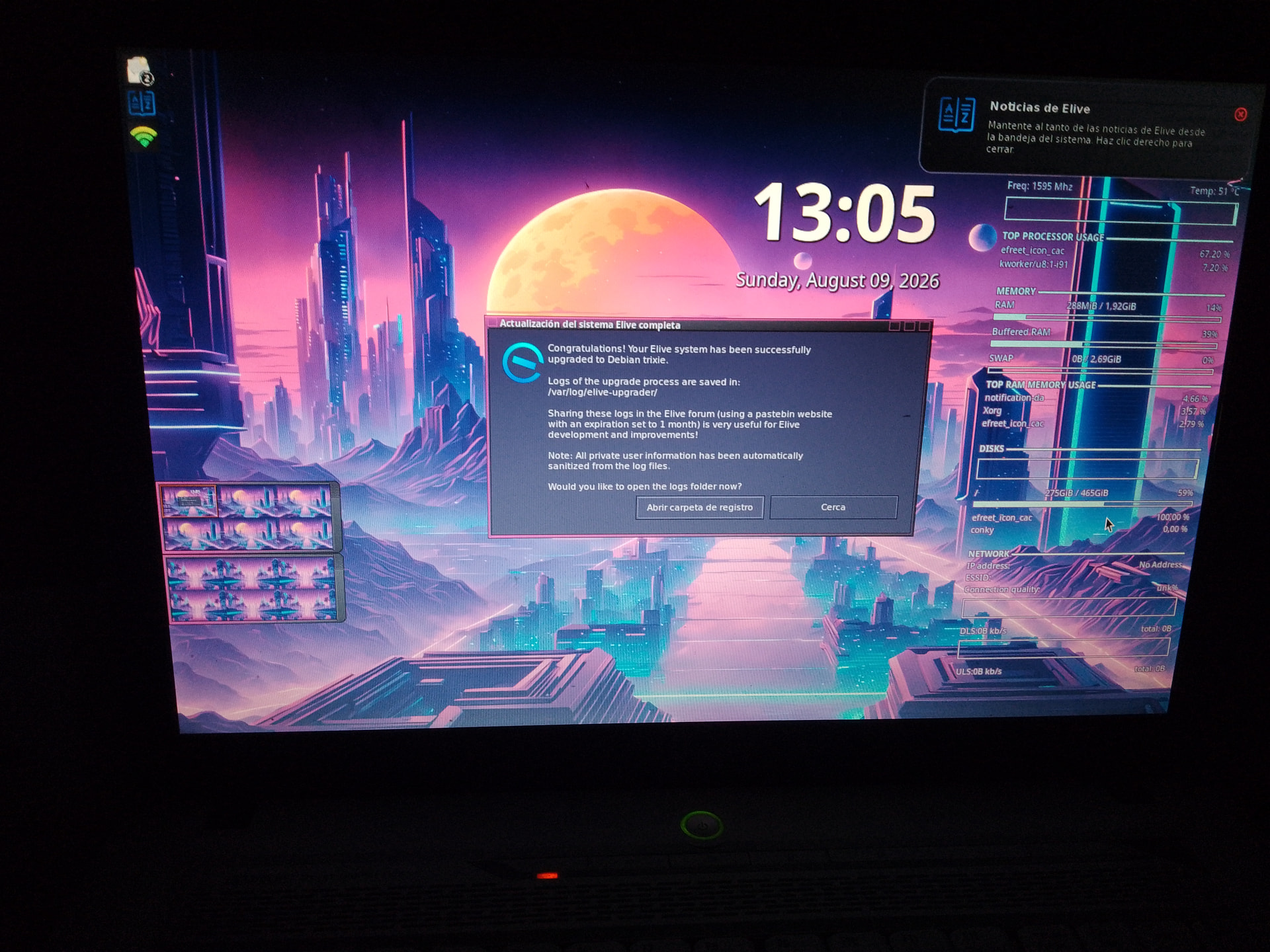
The elive-upgrader tool has been fixed and much improved 


also tested the switch to openrc:
sudo -E init-switcher openrc -y
so you can try again to upgrade to trixie your machines, @triantares @earl31515 , and we can now see logs of what happened if it fails again
@maxinou I received your report of the upgrade to trixie, everything looks fine on it, it is correctly working ?  and seems like you are using openrc ?
Hi @Thanatermesis ,
You're right, actually moved to Trixie, but some bugs to signal. By computer:
2016 ThinkPad X260 Intel i5 16GB RAM: moved to Trixie from 3.8.50-64 some weeks ago. Everything fine and OK, no bugs, OpenRC worked fine and start asks me for password HDD encrypted. In some days I'll update 3.8.50 to 3.8.52 and starts again mutation to Trixie. Logs from "llopnav@gmail.com"
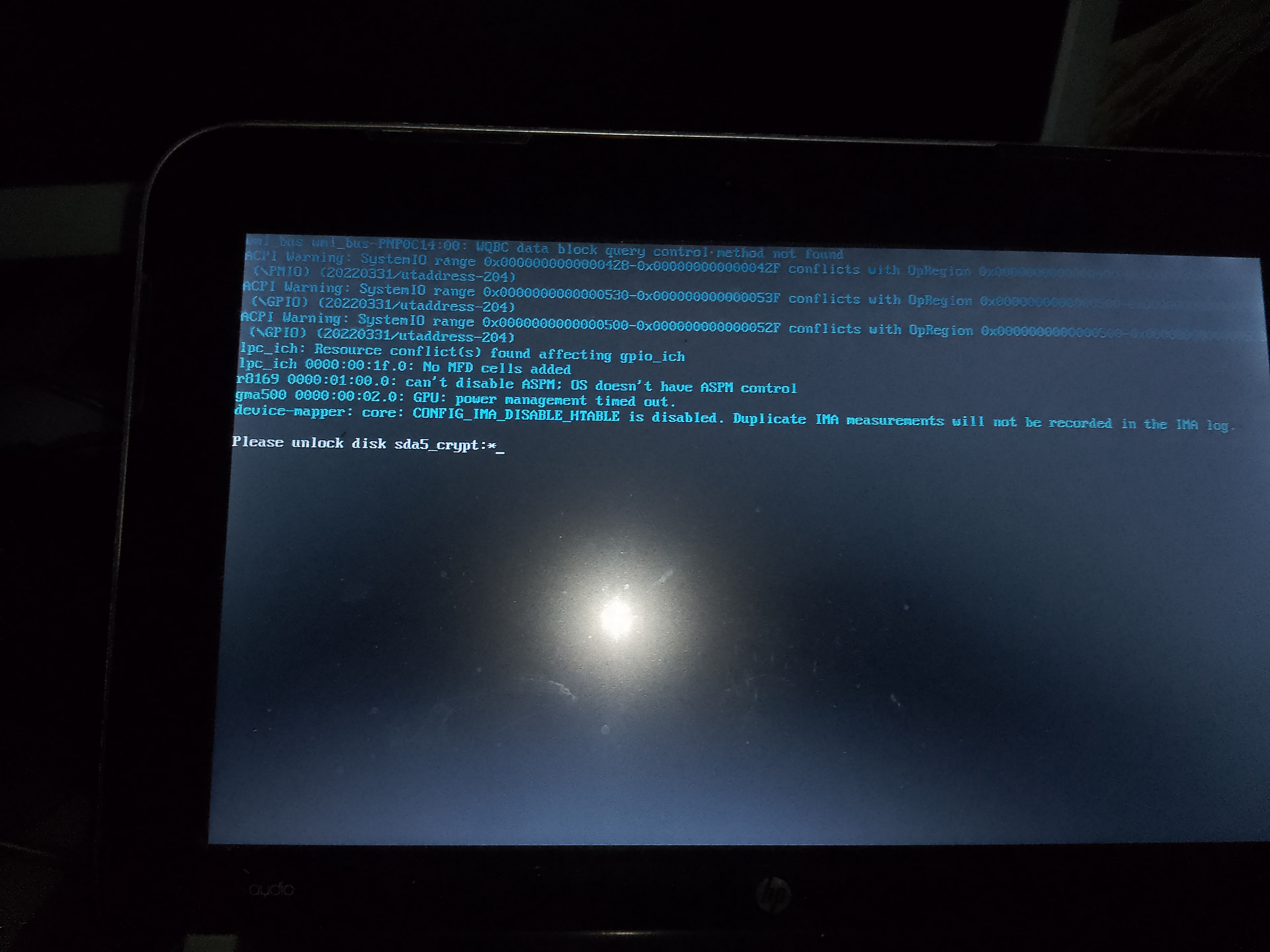
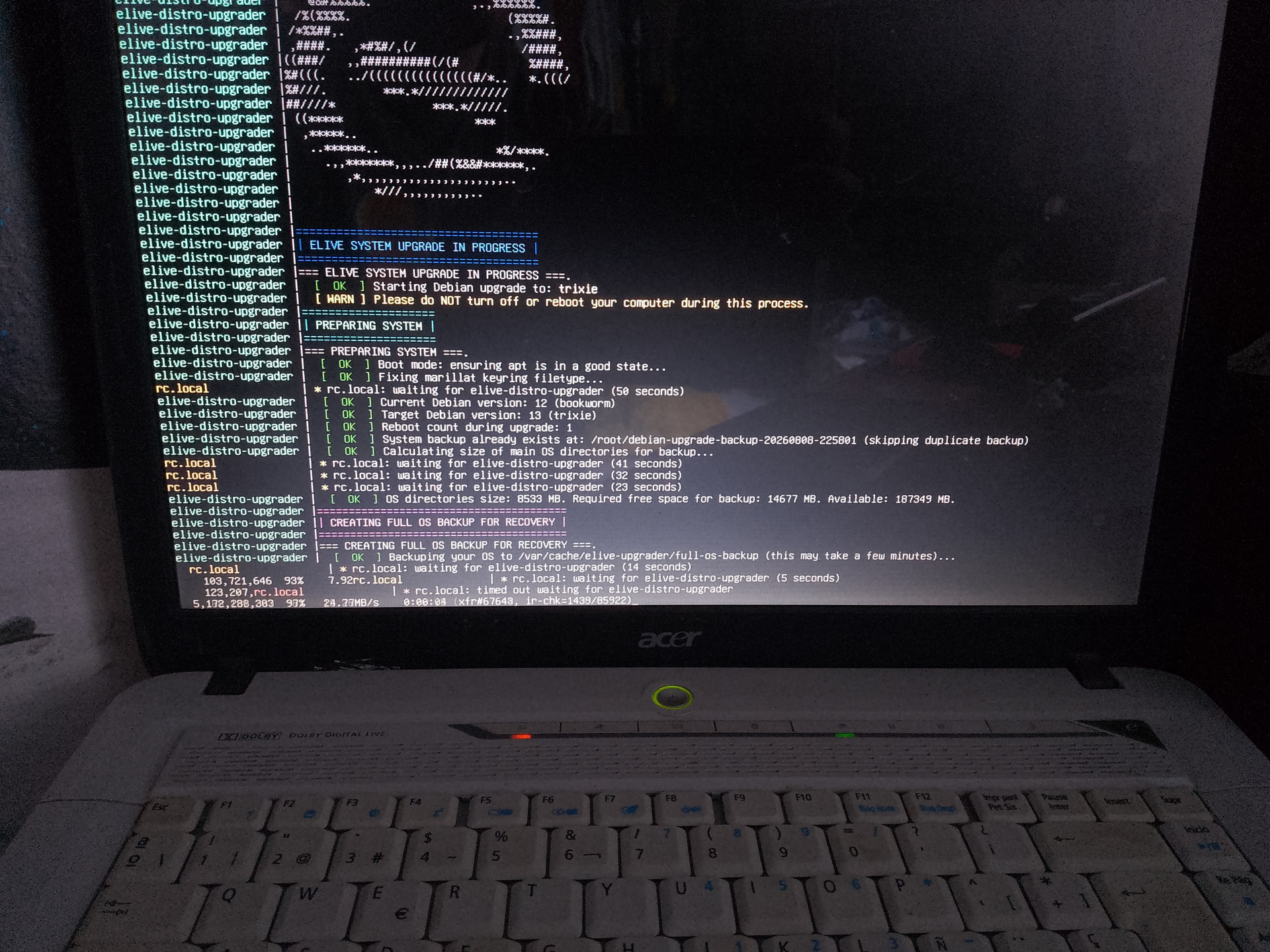
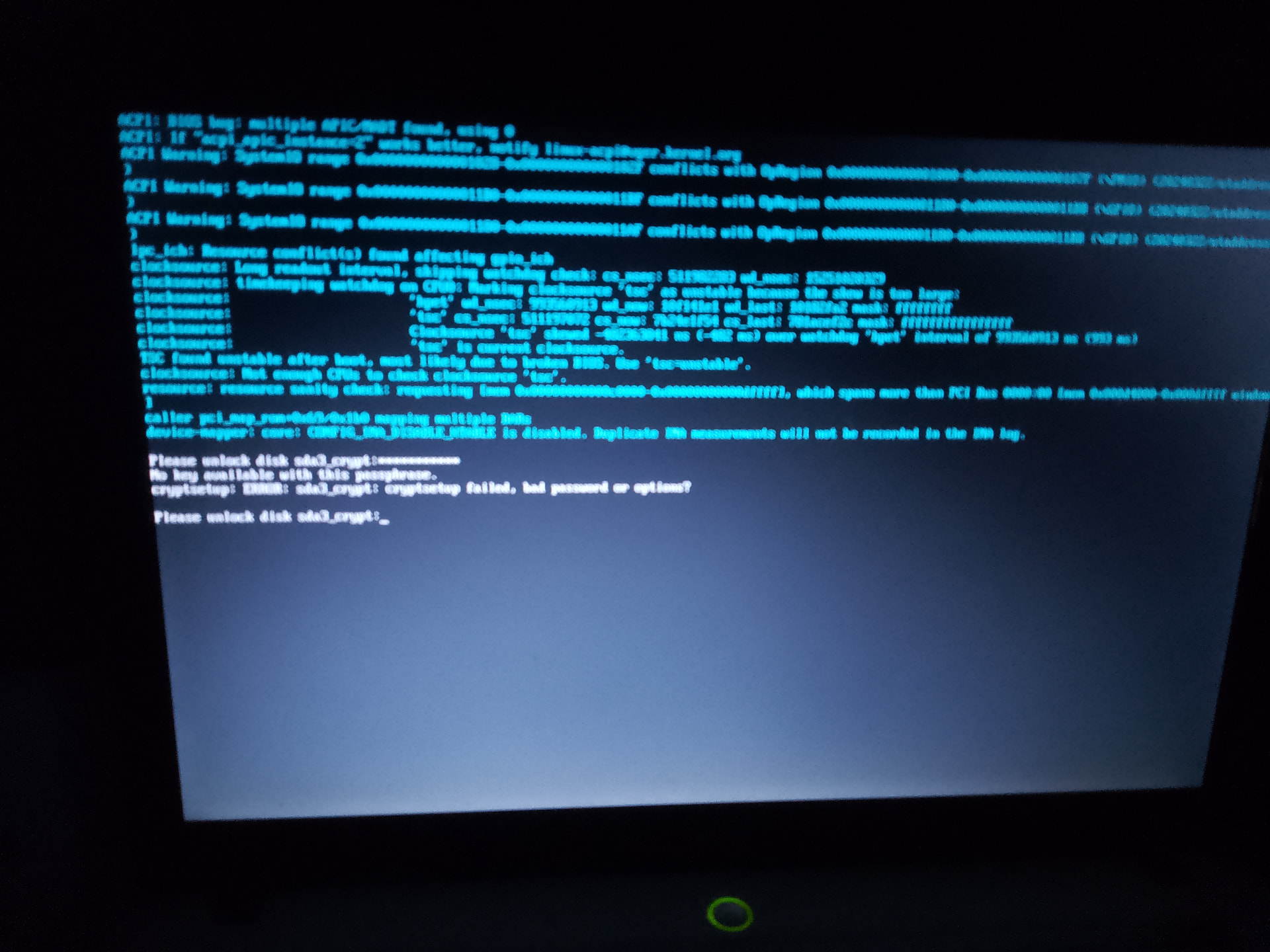
2012 HP Mini Intel Atom N2600 2 GB RAM working with 3.8.44-32 and PCManFM because Thunar crash. 3.8.52-32 installed and Thunar bug still remain. Strangely Cairo-dock disappeared. Update to Trixie goes fine until last reboot while elive screen never ends, in fact system wait for HDD password, I discover that doing a Ctrl+ Alt+ F1
Onetime systems starts Cairo-Dock stills missed but Thunar bug seems solved.
I'll sent you all files from this laptop by mail ASAP l. Logs from "lloonav@proton.me"
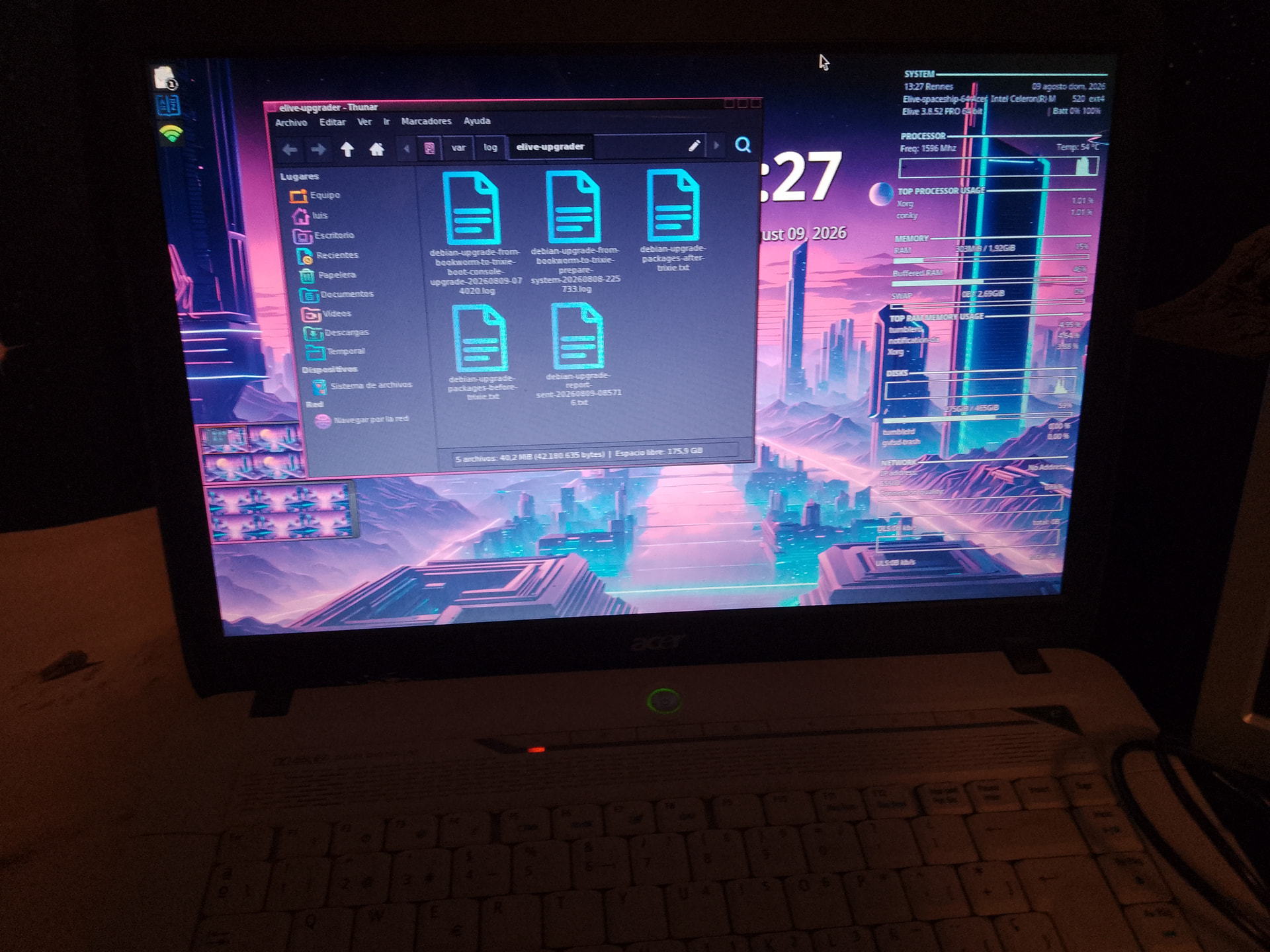
2007 Acer Aspire 5310, Intel Celeron M 512, 2 GB RAM, running 3.8.34 because newest releases restart e16 in an infinite loop. Updated to 3.8.52-64 and e16 restart in an infinite loop. Doing Ctrl+Alt+F1 and typing "startx" made e16 starts with no more problem (!), but as in the HP Mini, Cairo dock is missed.... Update to Trixie goes well, but as HP elive screen rest indefinitely waiting for password to unencrypted HDD, discovered by hazard doing Ctrl+Alt+F1. As soon as password written systems starts with no other issue except Cairo disappeared. E16 seems not crash. Logs from this laptop came from "ir.luis.lopez@proton mail.com" as for the HP I'll sent you ASAP all migration files.
So actually all my three laptop are under Trixie, X260 from 3.8.50-64 with all functions OK, and both others from 3.8.52 (32 for HP and 64 for Acer) with old bugs solved but with a big install bug that makes think user that system is hanged at startup elive screen when they are really waiting for HDD decrypt password.
All 3 laptop have OpenRC instead systemd and all 3 have their HDD encrypted.
Please says me if there are some tests you want I'll do.
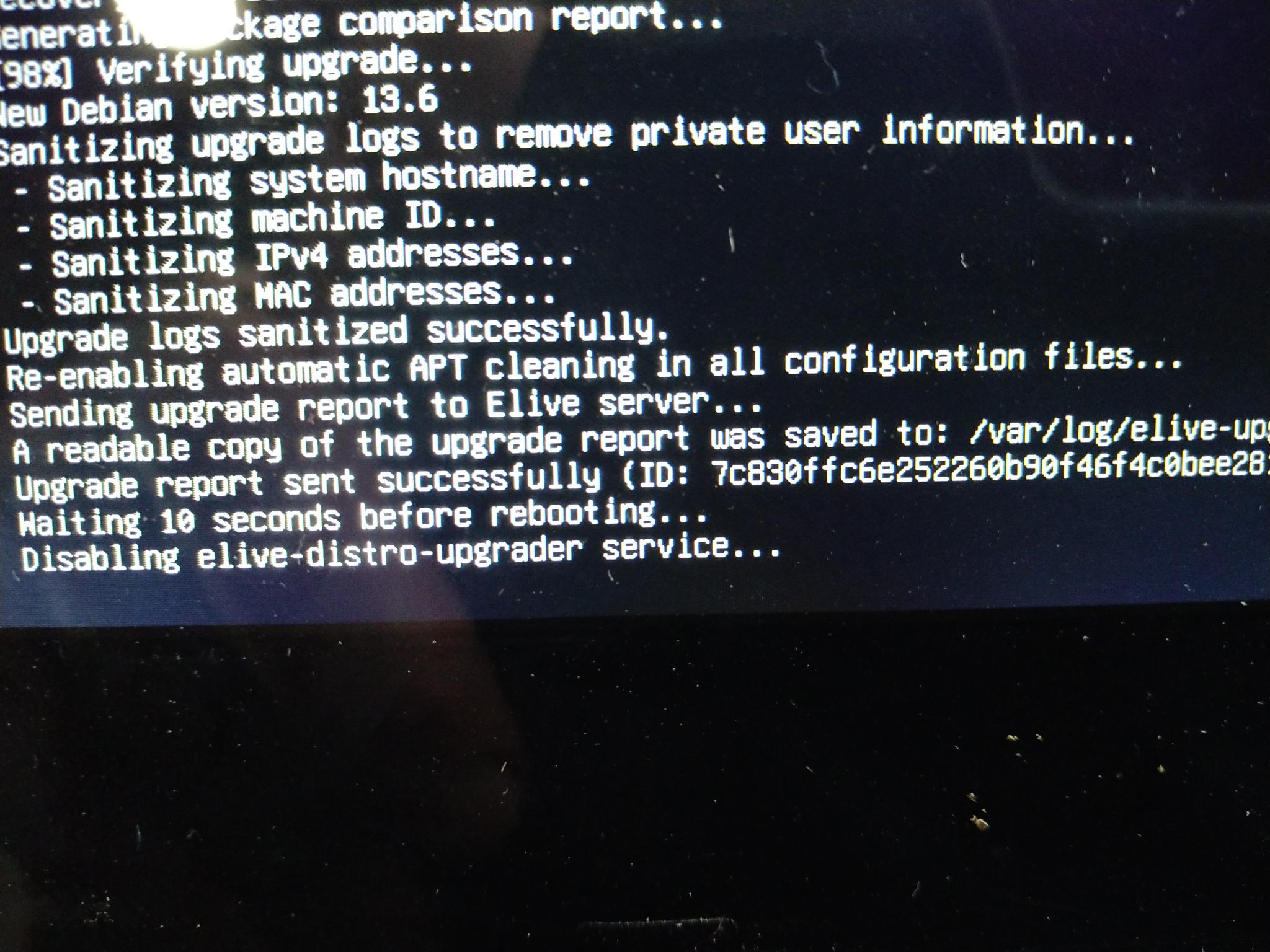
Note, @maxinou @earl31515 @triantares : if you agreed in the installer to "send reports" it is not needed to send me them via email, so they will be received on the server - actually I only received one from @maxinou
UPDATE: the server had a limit of 2mb for these files, so 4 transfers were not received (only one from @maxinou) , so the only way to see them is that you should have them available in /var/log/elive-upgrader/
I truly believe (and hope) this is fixed by just upgrading to trixie, since your computer is one of the affected by this crash, can you please verify if is fixed since trixie ?
N2600 has no cairo-dock after to upgrade to trixie ? (or in .52 ?) if so, then I need to make a look to your upgrade received report ..
Ok so we can declare that there's a bug in OpenRC + Trixie where the password in boot time is not visualized ? (openrc doesn't use plymouth, but it should ask/show the request of the password anyways... note that consoles goes blank automatically after 1-2 minutes of inactivity)
@maxinou your cairo-dock is correctly installed, BUT: in the only report I have (in the server), you installed in 2 different machines, with email "ir.lu...", day 9 finished at 7:57 am (london time)
hum, we need to see if this still happens in newer trixie versions (ISO builds not ready yet)... but note that .52 builds of "retro" includes both e16 and e27 that can be tried in live mode
Ok wait! I think this is a bug I encountered integrating OpenRC on trixie (this bug only happened on the new openrc, right?) it should be solved up to now if you "apug"
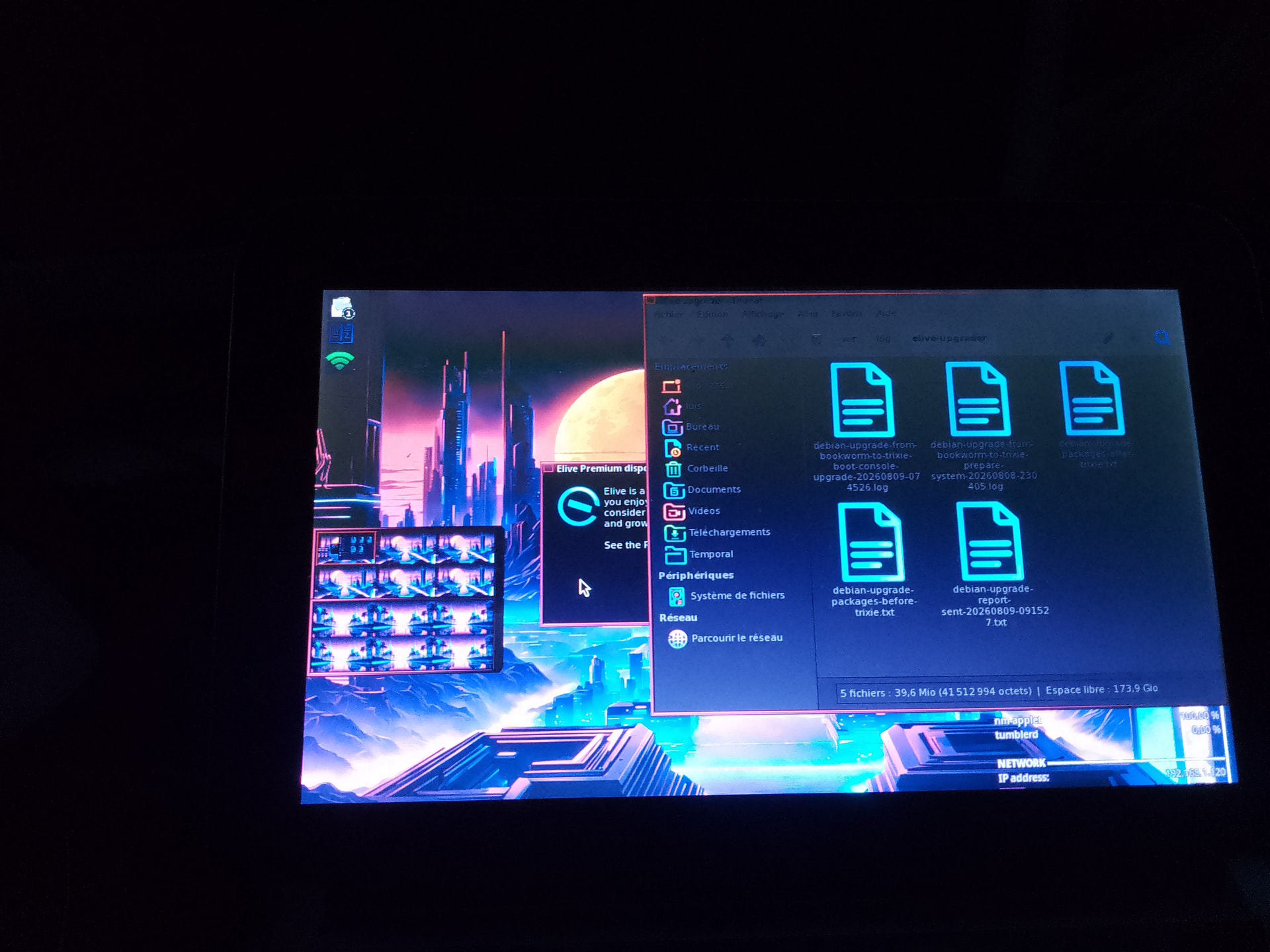
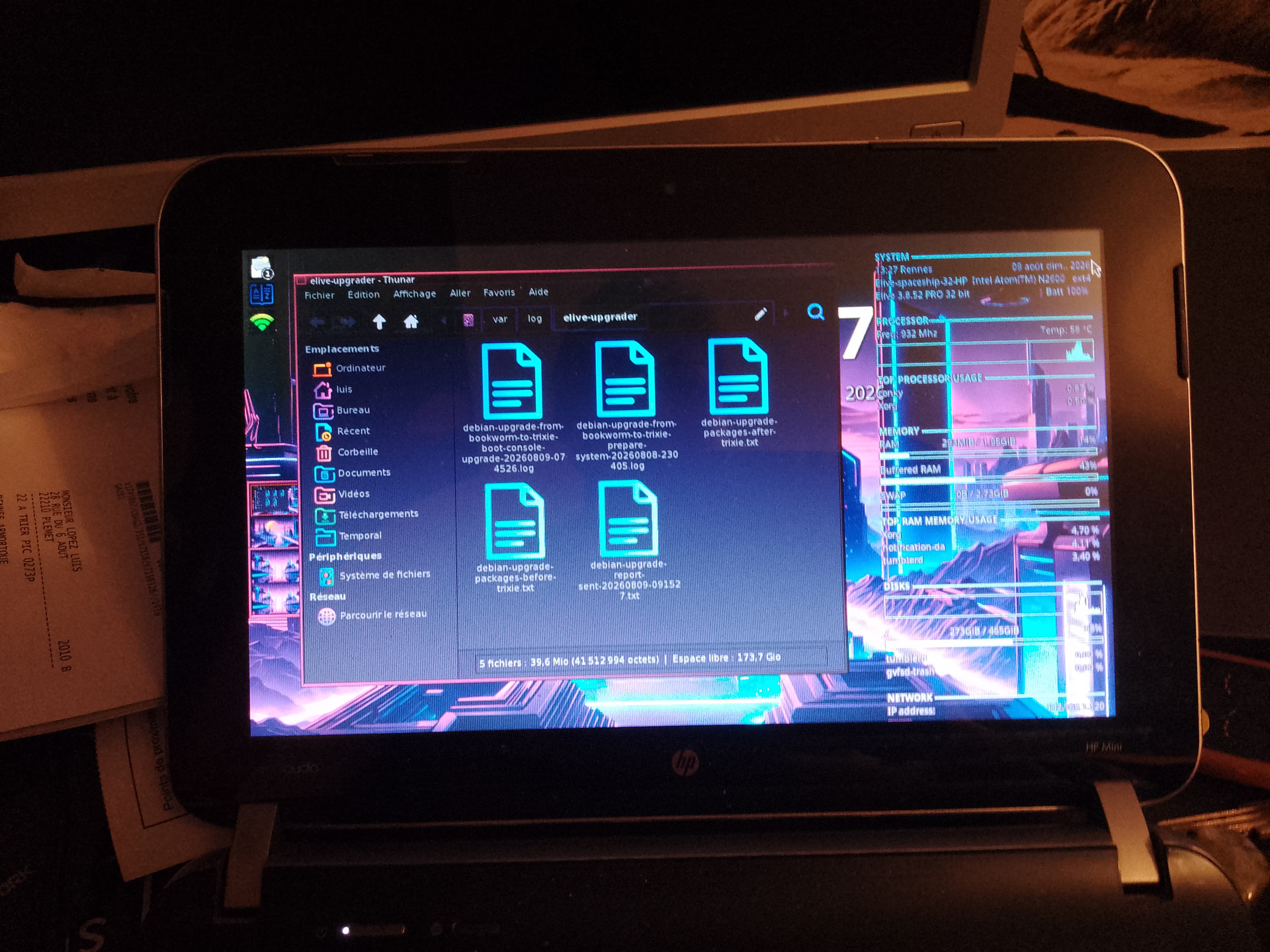
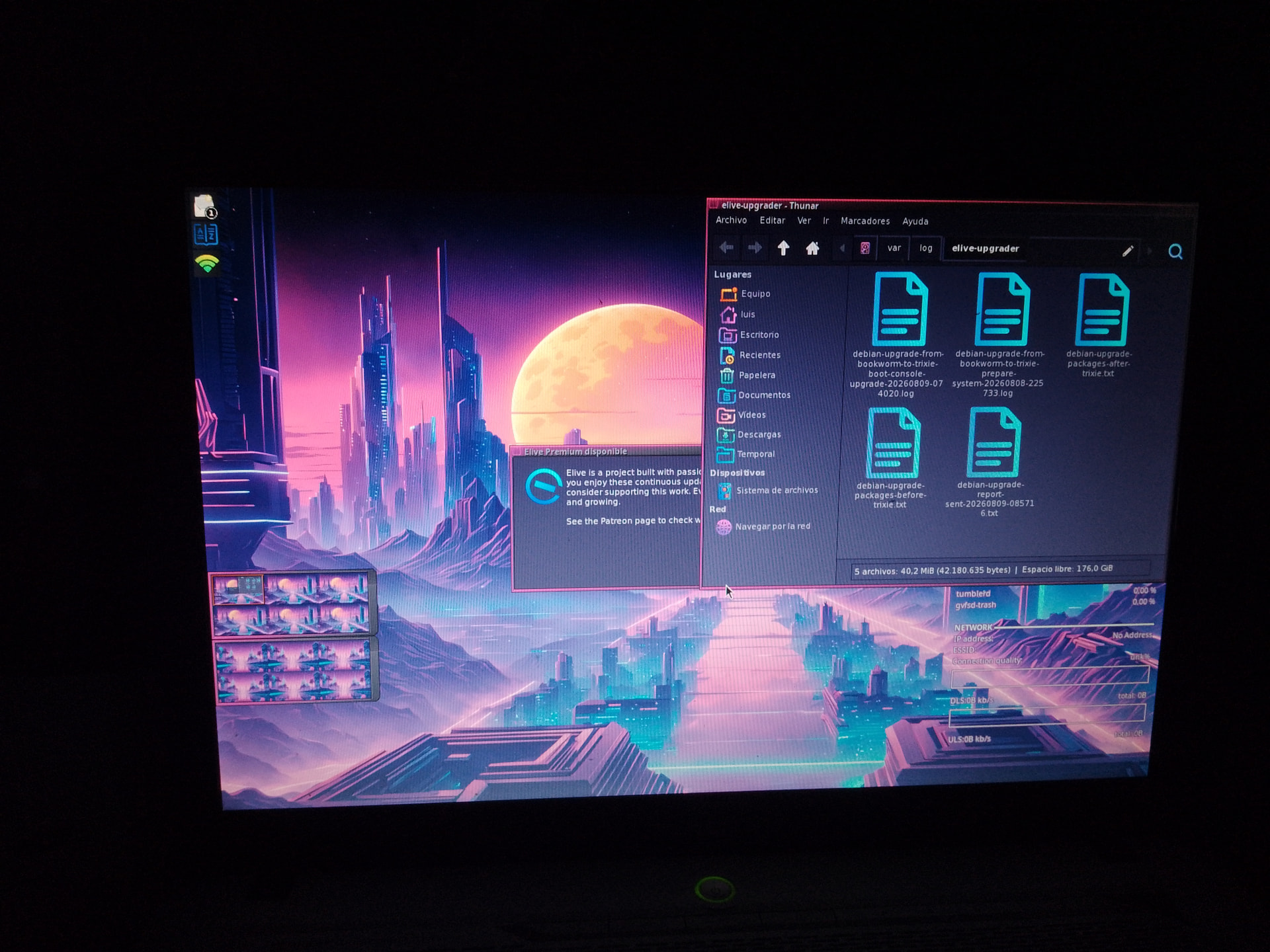
@maxinou I don't have other logs in my email (the HP which is the one that fails with cairo-dock, right?), check your /var/log/elive-upgrader/ there should be like:
root@Thana-hostname-auto:~ ❯❯❯ ls /var/log/elive-upgrader/
debian-upgrade-from-bookworm-to-trixie-boot-console-upgrade-20260808-224541.log
debian-upgrade-from-bookworm-to-trixie-prepare-system-20260808-222806.log
debian-upgrade-packages-after-trixie.txt
debian-upgrade-packages-before-trixie.txt
debian-upgrade-report-sent-20260808-225256.txt
root@Thana-hostname-auto:~ ❯❯❯
Only the last one is needed
@maxinou after to confirm me that you really need to switch to "ctrl + alt + f1" to see the password prompt asking, you can try to install plymouth, it is likely working now on openrc:
api plymouth plymouth-theme-elive-retrowave
please confirm me also that plymouth works with disk encryption and show messages and all correctly
@earl31515 I received your email, I will analize these reports soon, but I think they are from an older version of the upgrader, right ? (it changed a lot in the last 1-2 days with many improvements and fixes), I will make a look soon anyways
I see logs from you that your upgrade ran "out of space", i have set the upgrader to require a minimum of 2GB free (I was able to install with 1.5 gb free) but I think i should set a bigger tolerance number, maybe 4 ... can you tell me your free space on disk before the reboot-into-upgradermode ? if you don't know check into your /var/log/elive-upgrader/ to see if you have this information there
Nice maybe we switch to openrc entirely in the future, see that you should have "systemd commands" available in your system, which are meant to be translators so that you can use openrc with systemd compatibility (many applications wants to use systemd, or do systemd calls, like systectl, loginctl, etc etc) -  @triantares - you see them by running:
systemd-openrc-wrapper --help
Yes and no ...... I was working so hadn't noticed the upgrade was stuck.
From what I see it sent a report and hung on the "reboot" so I did a Ctrl,Alt,Delete to send it off.
Which rebooted the machine but ....... stayed stuck in plymouth.
Which was solved by Ctrl,Alt,Delete .... after which the machine booted normally but, alas: No sound ! 
So the sequence was:
mmh not really, the receiver in the server had a limit of 2mb files, i updated it to 20mb now but the old reports are deleted, if you read my previous message you can see many details like where you have your copy of the reports that you can read, i think it run out of space but who knows... "apif" does install remaining things ?
@earl31515 your logs on email are uncomplete (broken since the start) so it doens't says much... the best is to start clean: install .52, then run the upgrader (which is also much newer) , the reports should be received now (make sure to enable that option in the installer)
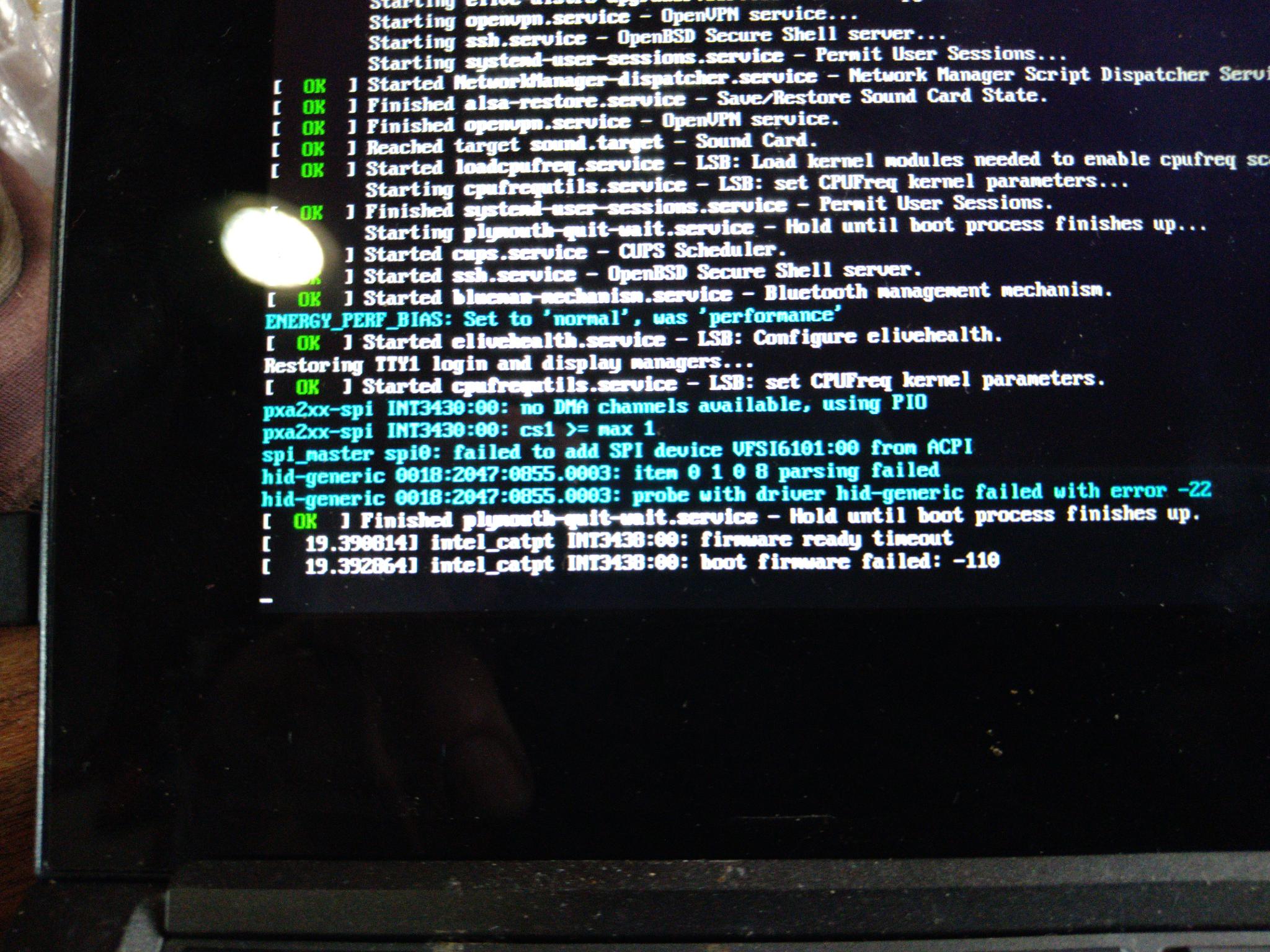
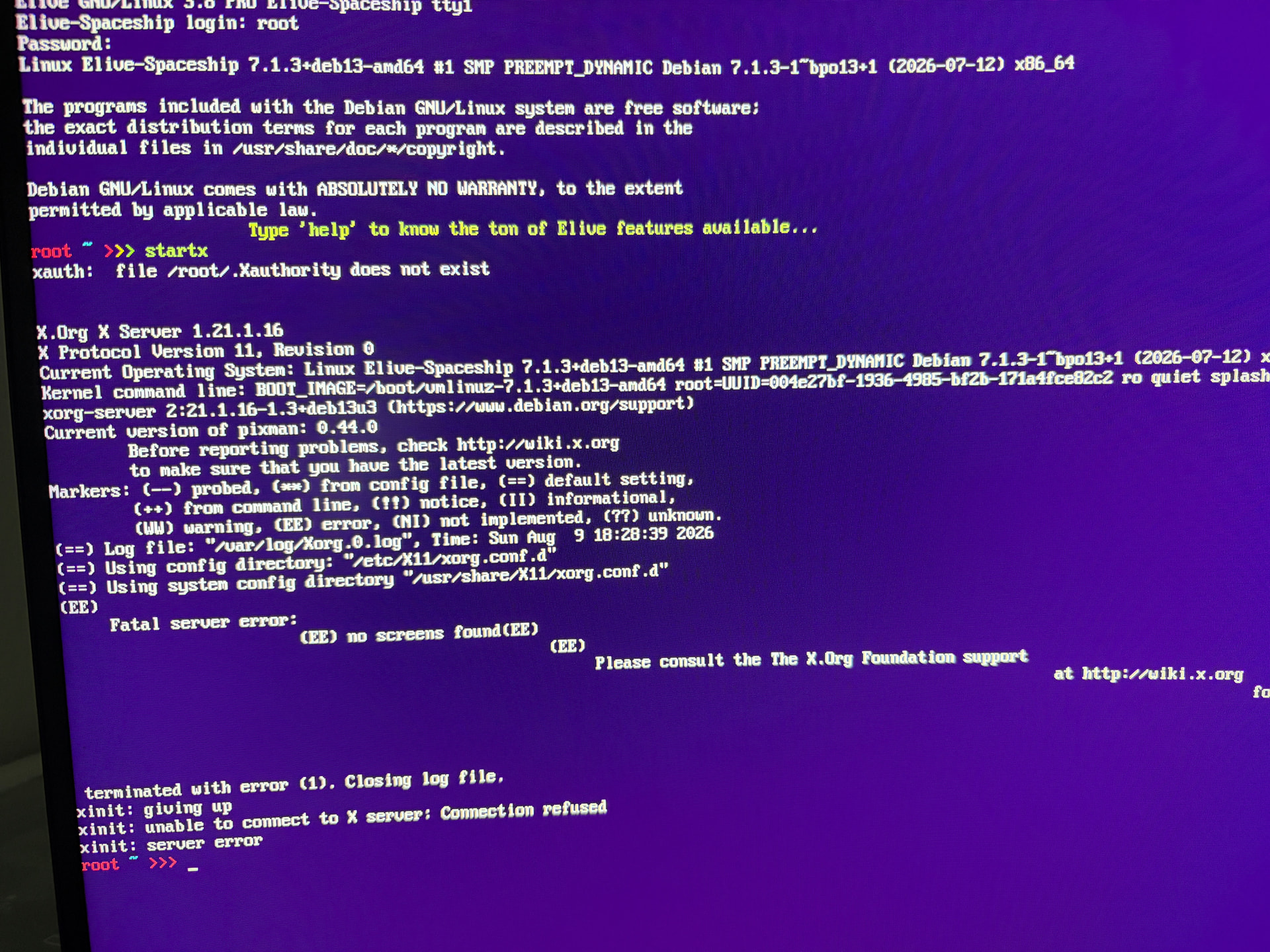
Don't know. I did an upgrade today and it looked really good and it took way longer than the last times. After the reboot i had the choice for kernel 6.11 or 7.0.1, but the grafical system won't start.
But I think it's a problem with nvidia. Seems like one service doesn't start.
I couldn't choose to send you logs. I hope you got them.
unfortunately not, I don't see them, it was probably deleted in the previous "max 2mb upload allowed" issue
But yeah it very looks like the upgrade worked correctly (including the install of 7.x) and the most likely is that your nvidia is not correctly installed... ok this can be easy to solve
First, run "apif" to see if there's any package remaining to set up (try to take some screenshots if you have), after also "apug" can be useful but has no relation of a broken system.
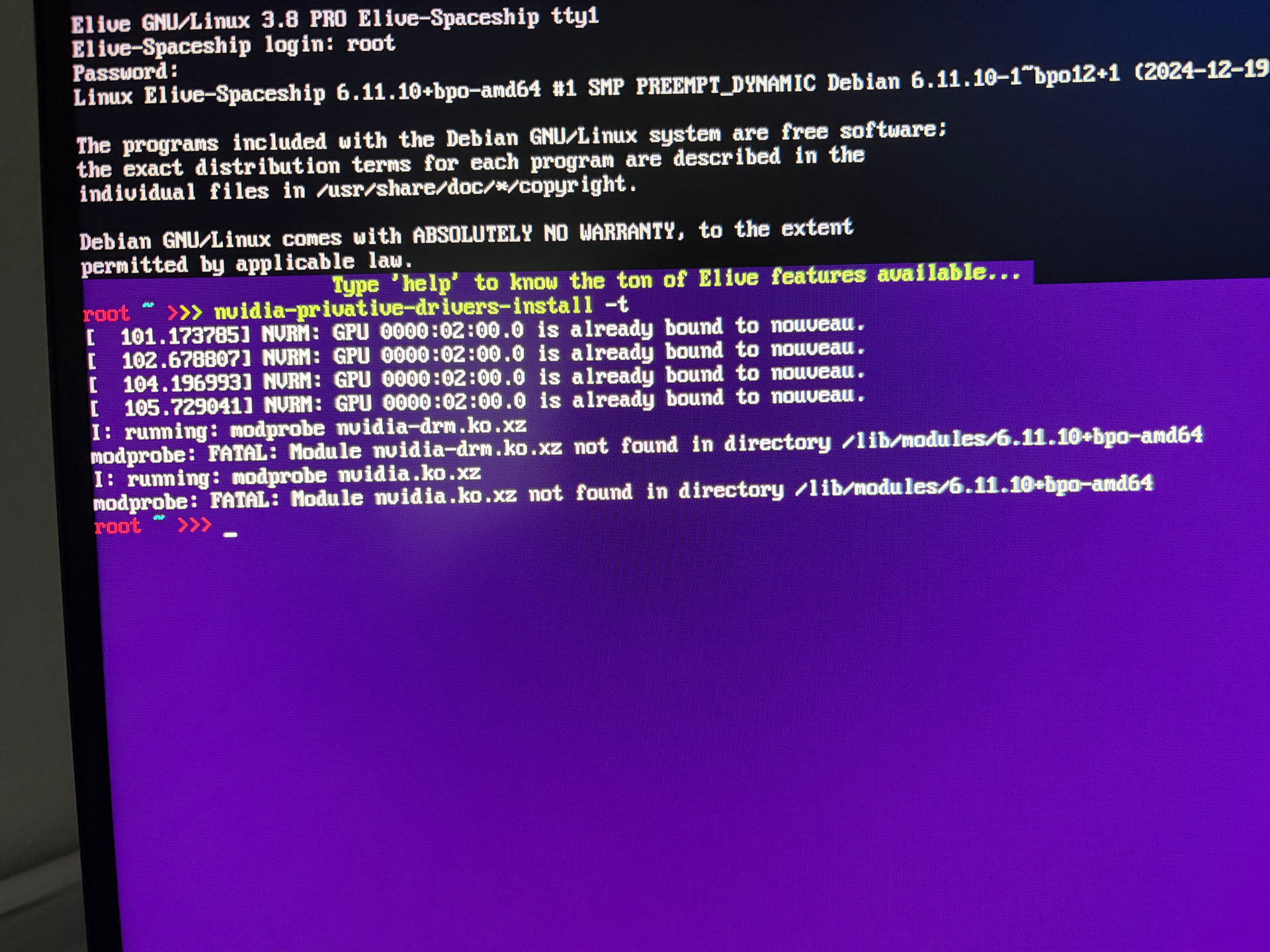
Then, about nvidia, you can verify if is correctly installed "lsmod" and other things but... we have a very good tool in Elive (house-made):
more easy way to verify if it is -actually- correctly installed:
~ ❯❯❯ sudo nvidia-privative-drivers-install -t
running it without arguments should probably allow you to install the drivers, otherwise try with the "-a" option, also maybe "-l" if you want to have the same experience as the Live mode installer. Use -h to know all the options
Also, you are in a terminal with root, you have all the world's power here, no need graphical system , you can actually read/see what happened during the upgrade running something like:
cat /var/log/elive-upgrader/sent | less
there should be only one "sent" something file, you an use here page-up/page-down to read all the logs
Nope, 0 to install.
But network-manager is installed according to "debian-upgrade-packages-after-trixie.txt" but will not show, nor does it exist on the cml.
Feeling a bit lost now on that machine. 
read my previous comment (and 2-previous also has good information), so that you can read your generated reports in the logs to see what happened, you can use the key "/" in the "less" pipe to search for a keyword, like network-manager, hit enter and "n" for the next match
Turns out "network-manager-gnome" wasn't installed (got lost somewhere) so had to first create a config file for my wifi network after which I could go online and install it. 
I'll start comparing to the Debian Trixie now.
My logs looked really good. No failures at all. But nö grafical system. I try again and installiert 3.8.52 without nvidia.
And i had also problems like @triantares and had no network after the first Installation.i also had to connect the WiFi even if my PC is connected directly per cable.
why not installed ? I suspect you ran out of space and the upgrade was left in a middle state... again: check your upgrade logs to see what happened. If out of space, tell me how many free space you had before the upgrade (this info should appear at the start, or search for the keyword free or Freee).
no no, try to install the drivers as i said, it should work... what i don't know is why didn't worked from the elive-upgrader (maybe was not run?) i will need the reports to read them
also is important to fix it so that everybody else with nvidia will have it correctly working
For the audio:
First compare shows quite a difference in packages:
 grep -i firmware-intel Trixie_sound_card.txt                                                                   1
ii  firmware-intel-sound                    20250410-2                           all          Binary firmware for Intel sound DSPs
ii  firmware-intel-graphics                 20250410-2                           all          Binary firmware for Intel iGPUs and IPUs
ii  firmware-intel-sound                    20250410-2                           all          Binary firmware for Intel sound DSPs
~ ❯❯❯ dpkg -l |grep firmware-intel
ii  firmware-intel-graphics                  20260622-1~bpo13+1                                   all          Binary firmware for Intel iGPUs and IPUs
ii  firmware-intel-misc                      20260622-1~bpo13+1                                   all          Binary firmware for miscellaneous Intel devices and chips
ii  firmware-intel-sound                     20260622-1~bpo13+1                                   all          Binary firmware for Intel sound DSPs
Where unsurprisingly Debian Trixie does not use the backports.
Interestingly "ping" now works w.o sudo prefix.
I noticed I was still in kernel 6.11 and rebooted to go into 7.1 but ........ there's no grub window, it boots straight into 6.11
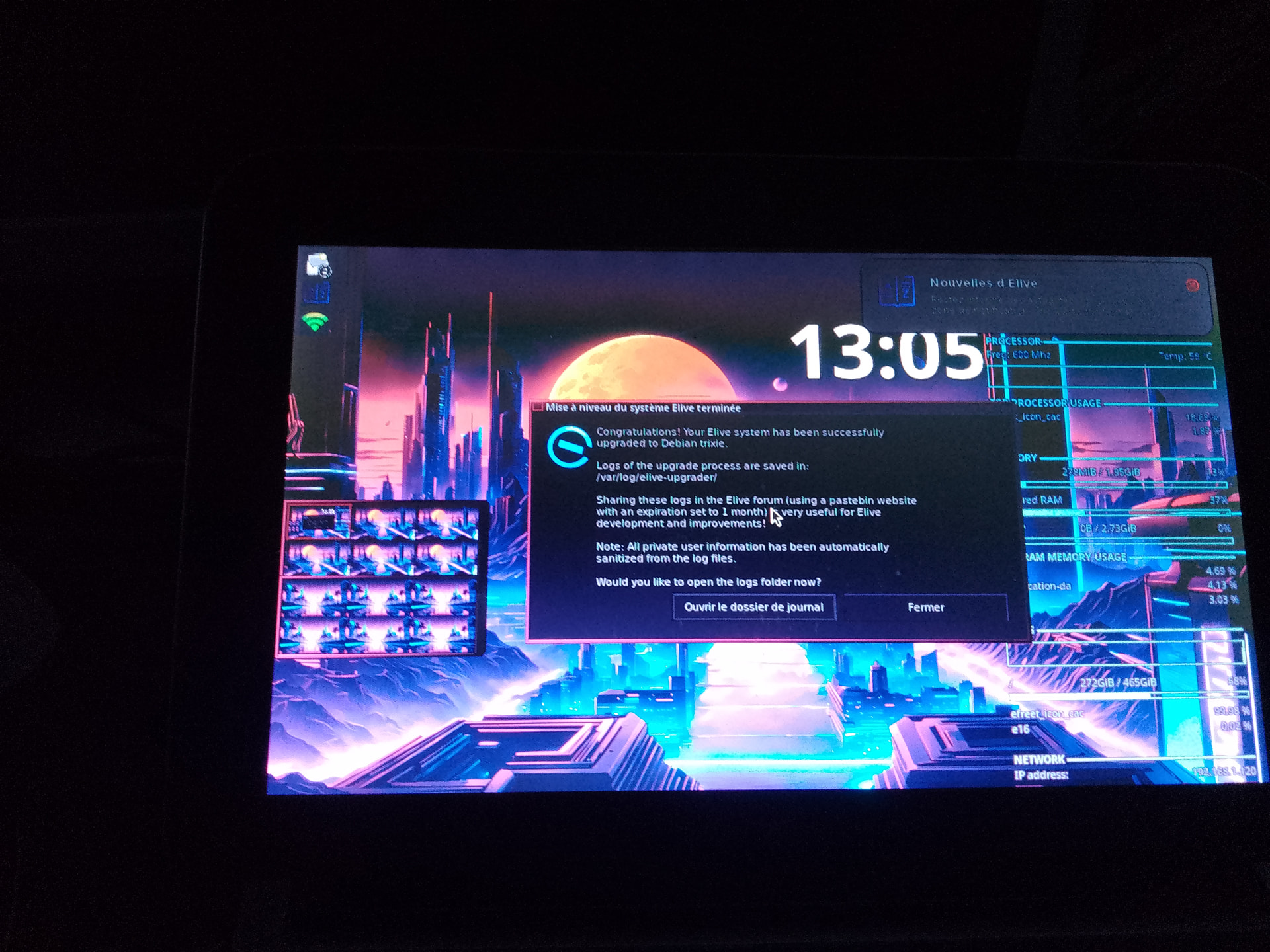
On top I always get the welcome widget telling me where the log files are and the patreon widget.
no, that's not the install, "-t" is only the test, basically it says that iwas NOT installed
you need to install, run it without arguments
if installs, then you have your system working (and it prooves that the upgrader tool didn't installed correctly, but for that i need the logs)
there's no grub window
wtf 
I simply think your system is half-installed, it has strange things... and as said I have received messages of "out of space" issues on your side
that's even more confusing, is your system RO ?
It took removal of 6.11 to get booted into 7.1.3 (still no grub boot window) and ....... sound hardware is recognized.
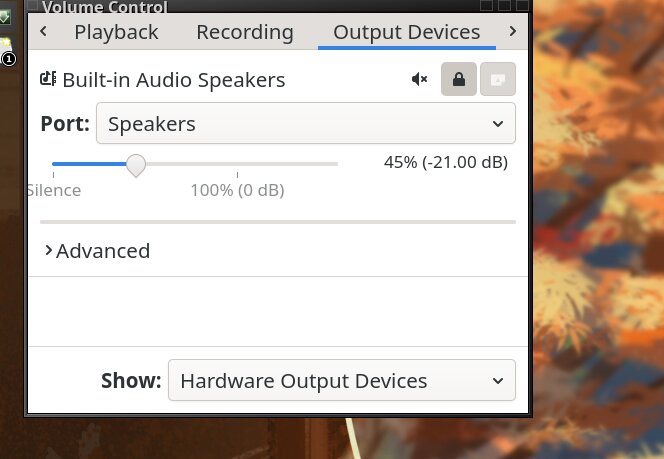
It does require setting audio level almost to the 148% max to hear it.
But at least that's one issue solved for me and (if they're still here) @yoda and @Mark_Shryock
Could be, it's also rather sluggish. It was all rather messy.
For me no matter I'll just do the installation again to check.